DriveWorks & 3D configurators
Automate Your Design & Sales Process.
We turn your product rules into DriveWorks automation and 3D configurators, so custom products get configured, priced and quoted without a trip through engineering.
Try a configurator we’ve built
Connects with the systems you already use
- SOLIDWORKS
- CRM
- ERP
- PDM
About us
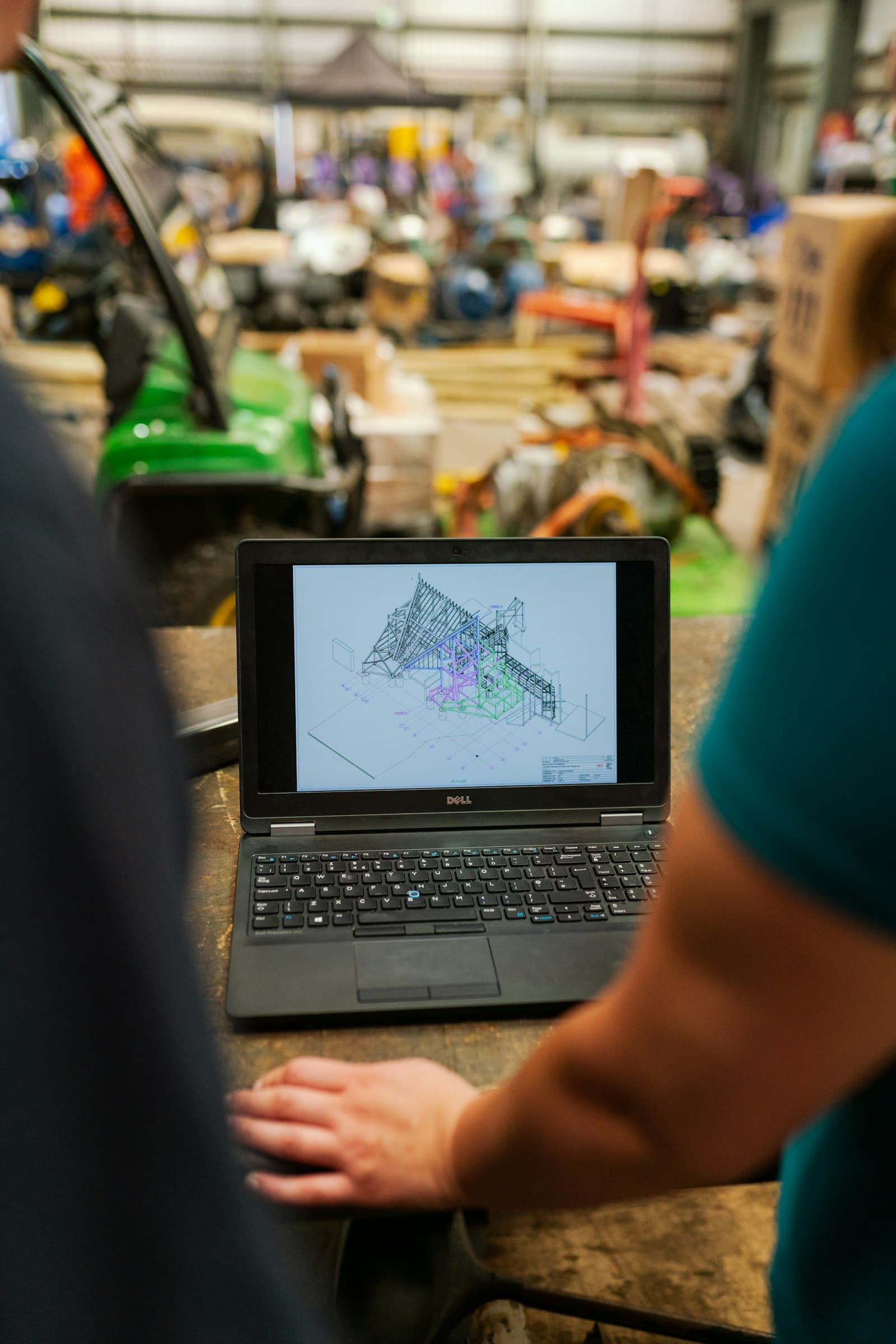
We help manufacturers of configurable products quote faster and build it right the first time, with DriveWorks automation and 3D configurators built on their own rules.

Services
Configure, Price, Quote
& Automate
Everything between a customer’s request and a production-ready order, driven by the rules your team already follows.
DriveWorks Design Automation
We capture your design rules in DriveWorks so SOLIDWORKS models and drawings generate themselves, freeing engineers from repetitive work.
3D Product Configurators
Branded configurators for your website that let customers and sales teams build a product in 3D, on any device.
Pricing & Quote Documents
Rules-based pricing that turns a finished configuration into a quotation, covering letter and bill of materials.
Manufacturing Data
Bills of materials, cut lists and CNC data generated from the same rules, so production builds what sales sold.
Lead Capture
Every quote request lands in your inbox with the customer’s details and the full specification, ready for follow-up.
DriveWorks Guidance
Help choosing the right edition, from DriveWorks Xpress and Solo for individual engineers to Pro for team-wide automation.
How it works
From First Option
to Shop Floor
What rules-based automation does with a single order, from the customer’s first choice to the data production needs.
Step 1
Configure
Select options and enter requirements into a custom form on any device (desktop, tablet, mobile).
Step 2
Automate
Your rules generate the 3D model, drawings and documents in the background, with no manual rework.
Step 3
Distribute
Share generated documents, drawings, and quotes across teams and departments to keep everyone aligned.
Step 4
Integrate
Pass data automatically to other company systems like CRM, ERP, and PDM for a seamless workflow.
Our work
Configurators
We’ve Built
Open one and try it. Every choice updates the 3D model and the price, and a quote request carries the full specification.
Elevators & vertical transport
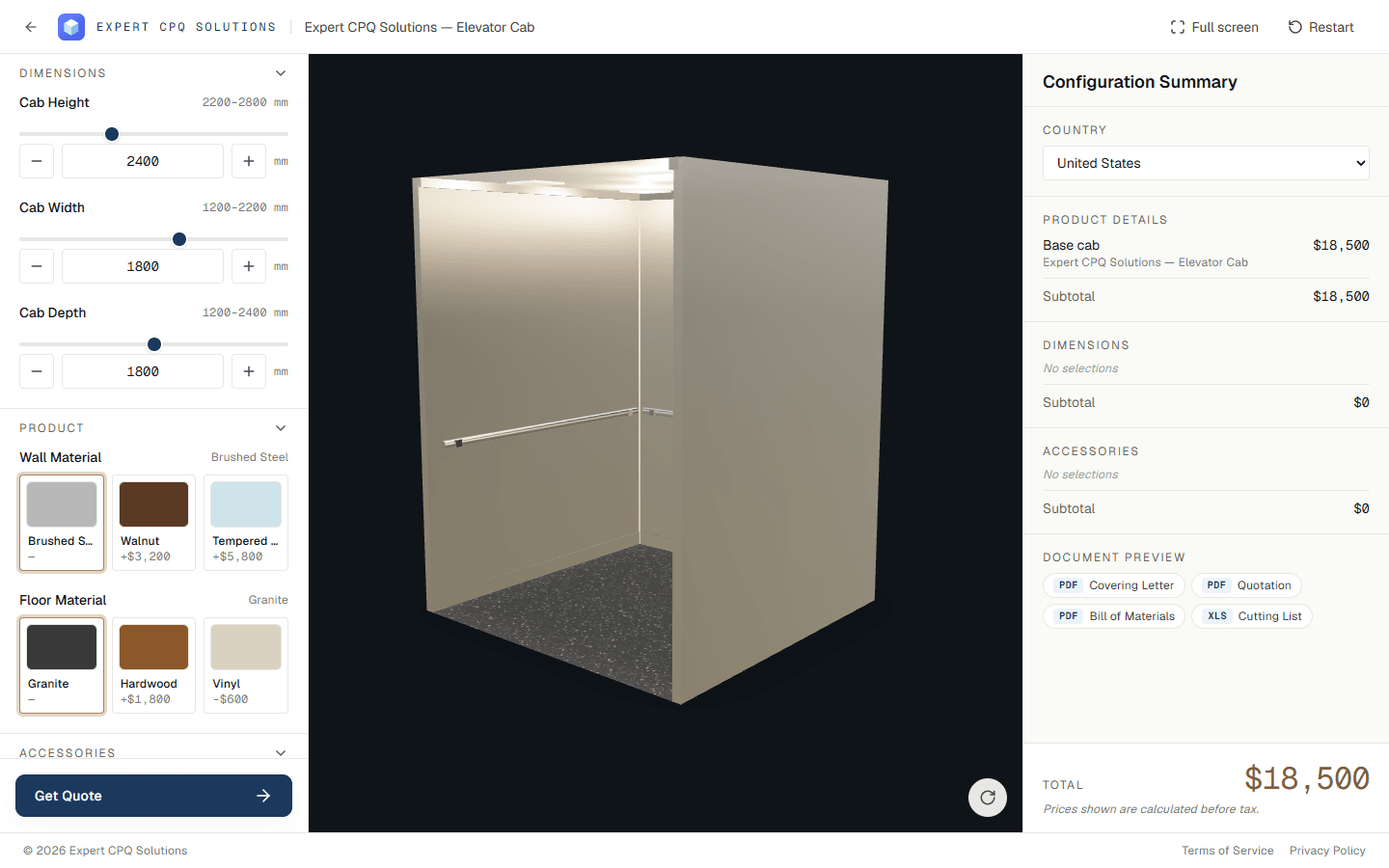
Elevator Cab
Size an elevator cab, choose wall, floor and ceiling finishes, and price every option live. Requesting a quote generates the full document pack.
- 3D cab model driven by dimension rules
- Line-item pricing that updates with every change
- Covering letter, quotation, BOM and cutting list on submit
- Lead capture with email notifications
Trucking & trailers
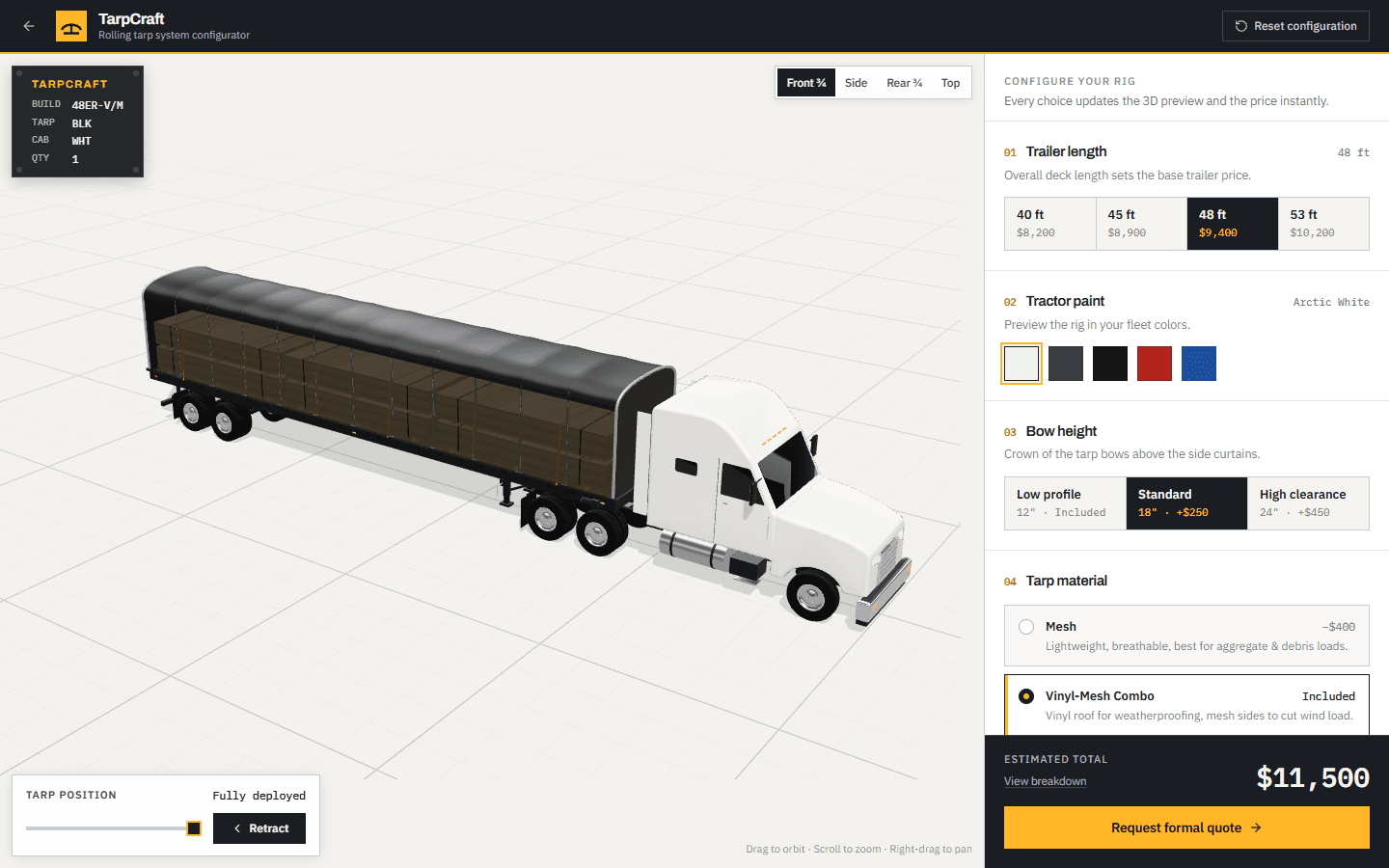
TarpCraft Rolling Tarp
Spec a rolling tarp system for a flatbed trailer, from length and bow height to material, fleet branding and accessories.
- 3D tractor-trailer with a tarp that rolls open and closed
- Nine guided steps, each showing its price
- Volume discounts at 5+ and 10+ units
- Quote request that carries the full build spec
How we work
From Conversation
to Configurator
A clear path from the first call to launch day, and support after it.
Start a ConversationDiscovery
We learn how you sell and build today: your products and options, the rules that connect them, and how you price and quote.
Rules & build
We capture those rules and prices in one place, then build the 3D model, the configurator and the documents around them.
Launch
Your configurator goes live in your branding, with every quote request and its documents routed to your team.
Support
We host and maintain it, and update options, rules and prices as your product line changes.
FAQ
Questions We Hear Often
What does Expert CPQ Solutions do?
We help companies that design and manufacture configurable products automate how they configure, price and quote. That means setting up DriveWorks to automate SOLIDWORKS design work, and building branded 3D configurators with live pricing and automatic quote documents.
What is DriveWorks?
DriveWorks is design automation and CPQ software. It captures your design knowledge as rules, then uses them to generate SOLIDWORKS models and drawings, quotes, and manufacturing data for each order.
Can our sales team quote without engineering support?
That's the goal. Once your engineering rules and pricing are captured, sales teams and customers can configure a product on any device, and the quote and documents come from the same rules engineering signed off on.
Which DriveWorks product is right for us?
DriveWorks Xpress is included with SOLIDWORKS and is a good way to try rules-based automation. DriveWorks Solo suits individual engineers who want to automate their own design work. DriveWorks Pro adds team-wide automation, CPQ and web integration. We'll help you pick based on who needs to configure products and where.
Does it connect to our CRM, ERP, and PDM?
DriveWorks can pass data to company systems like CRM, ERP, and PDM, so orders don't have to be re-keyed. We'll look at what you use today during discovery.
What do you need from us to get started?
A conversation about what you make and how you quote it today. Product options, price lists, spreadsheets, and existing SOLIDWORKS models or drawings all help, but you don't need to have them organized first.
Can I try a configurator?
Yes. Open one of our demo configurators, adjust options, watch the 3D model update instantly, and see the price change, right in your browser.
Get started
Start Automating Today
Tell us about your product and we’ll show you what DriveWorks and a 3D configurator could take off your team’s plate.
Helpful to include:
- What you make and how it varies
- How you quote it today
- What you'd like to automate first
Send us a message
It goes straight to our inbox, and we’ll reply by email.